Demo Video

Project Description
In this project my goal is to create a custom engine using OpenGL following an ECS architecture, that I can use to make games with and learn how different systems work.
Entity Component System
The engine is created on a custom Entity Component System (ECS).
Scene:
A scene is a collection of Entities and their Components.Entity:
An abstract concept of an "object" in the world. An entity has no behaviour or functionality and is just an ID. Entities always have a Transform component (position, rotation and scale).Component:
Data that is added to an entity that adds behaviour and functionality from the systems.System:
A system is something that will preform actions or behaviours on a subset of components.
The ECS is designed making use of a hybrid of common ECS architectures: Sparse-Set and Archetype.
Sparse-Set ECS architecture offers flexibility to add and remove components, with some performance trade-off during component iteration.
Archetype ECS architecture offers cache-friendly, efficient component iteration, with the trade-off that it is expensive to change archetypes.
This ECS allows for the creation of Immutable Entities (cannot change components at runtime - making use of Archetype architecture) and Mutable Entities (flexible to change at runtime - Sparse-Set architecture)
This hybrid ECS allows for developers to choose the trade-off that best aligns with the needs of their product.
Future work could be used to optimise the build process to strip out all un-needed code. If the game only makes use of Immutable Entities, then all Mutable Entity code could be removed, meaning no wasted iterations. Additionally, the game code could be analysed to automatically detect if entities are mutated at runtime, suggesting optimisations.
Reflection
The engine uses a generation script which generates RTTI for each of the components. This generated RTTI allows for components to be serialized and deserialized out, as well as have their type structure/decomposition. This is used to auto-populate the properties panel, meaning any new component added will automatically have a properties panel control to adjust the values and see the impact at run-time.
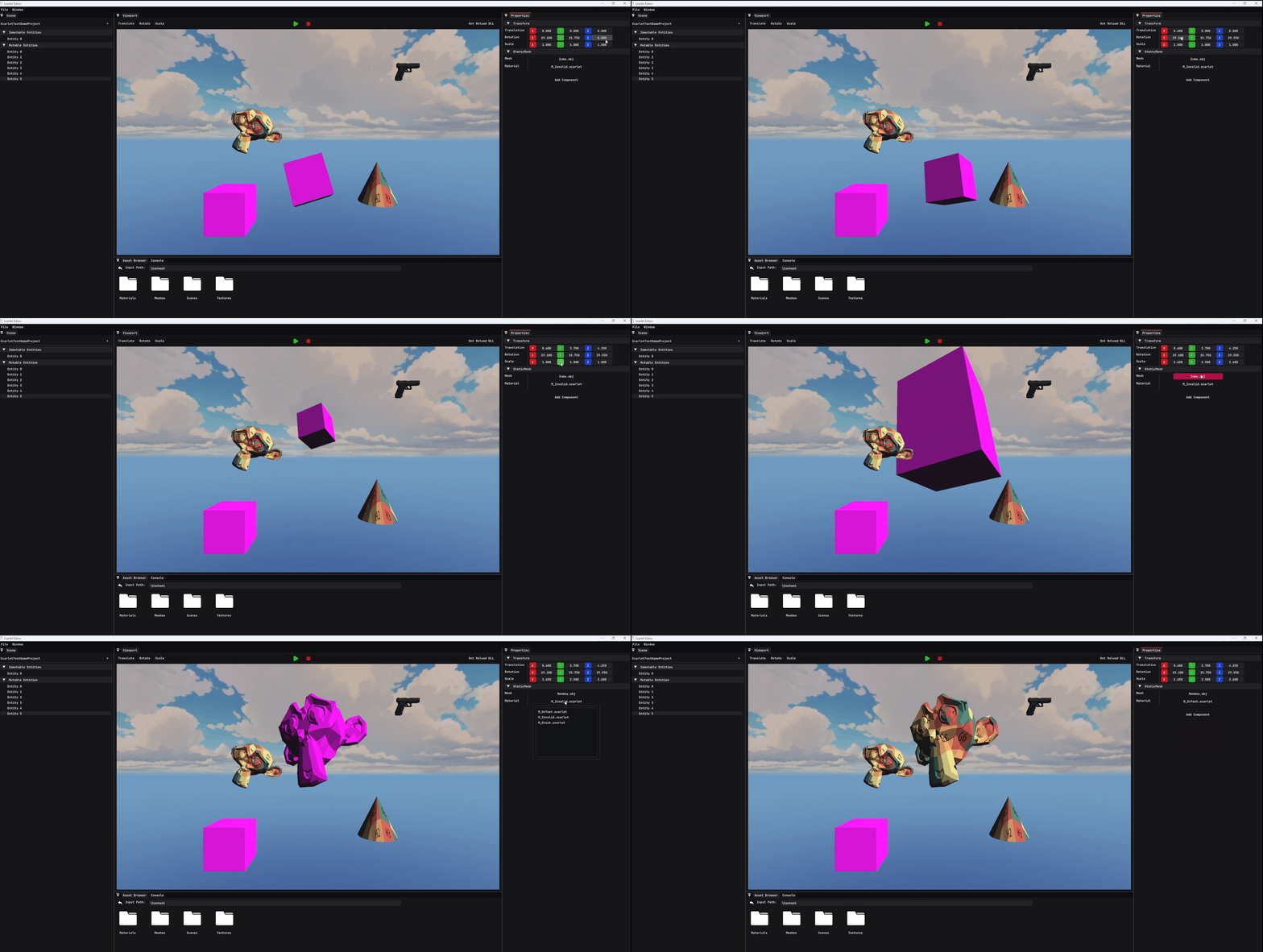
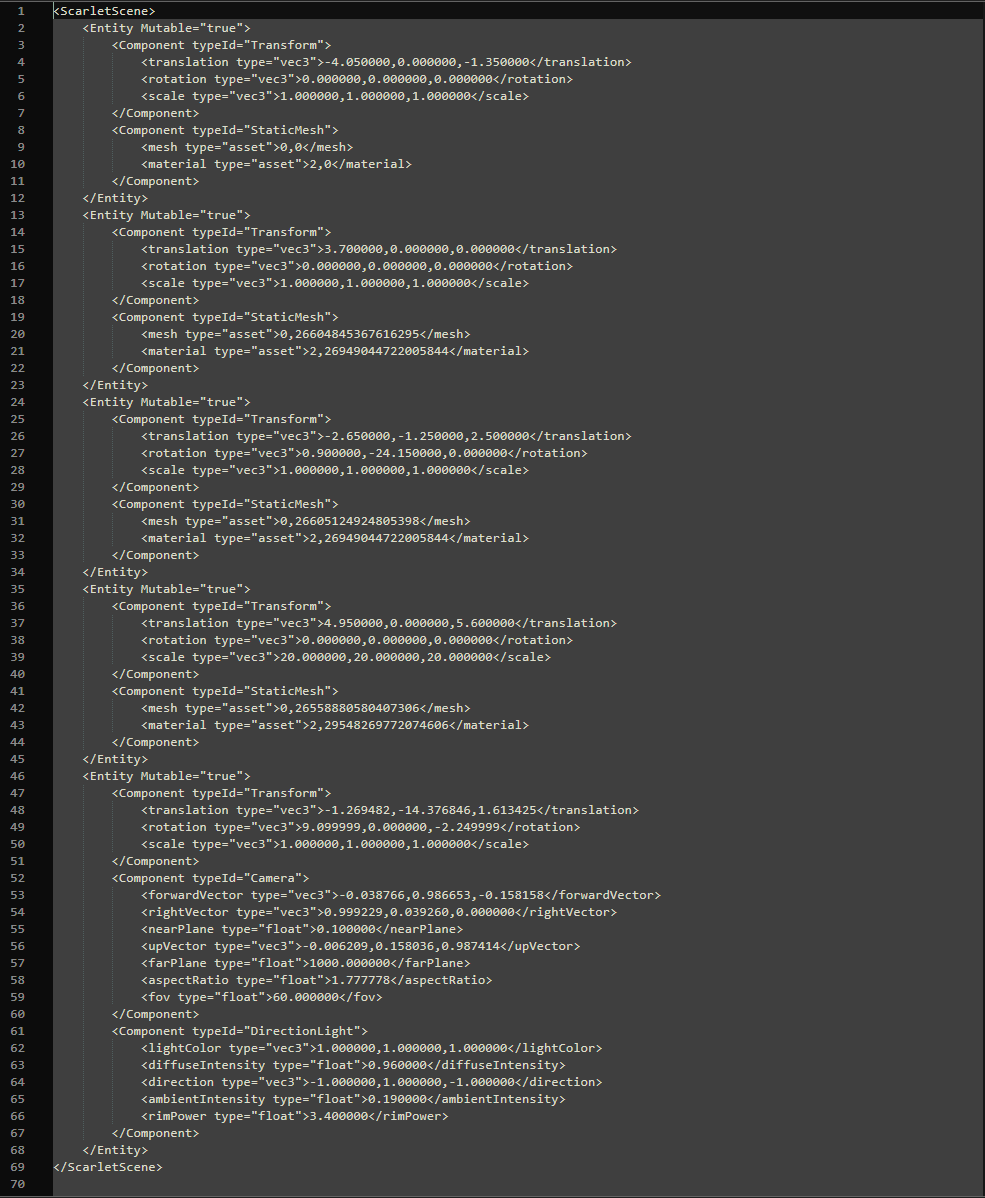
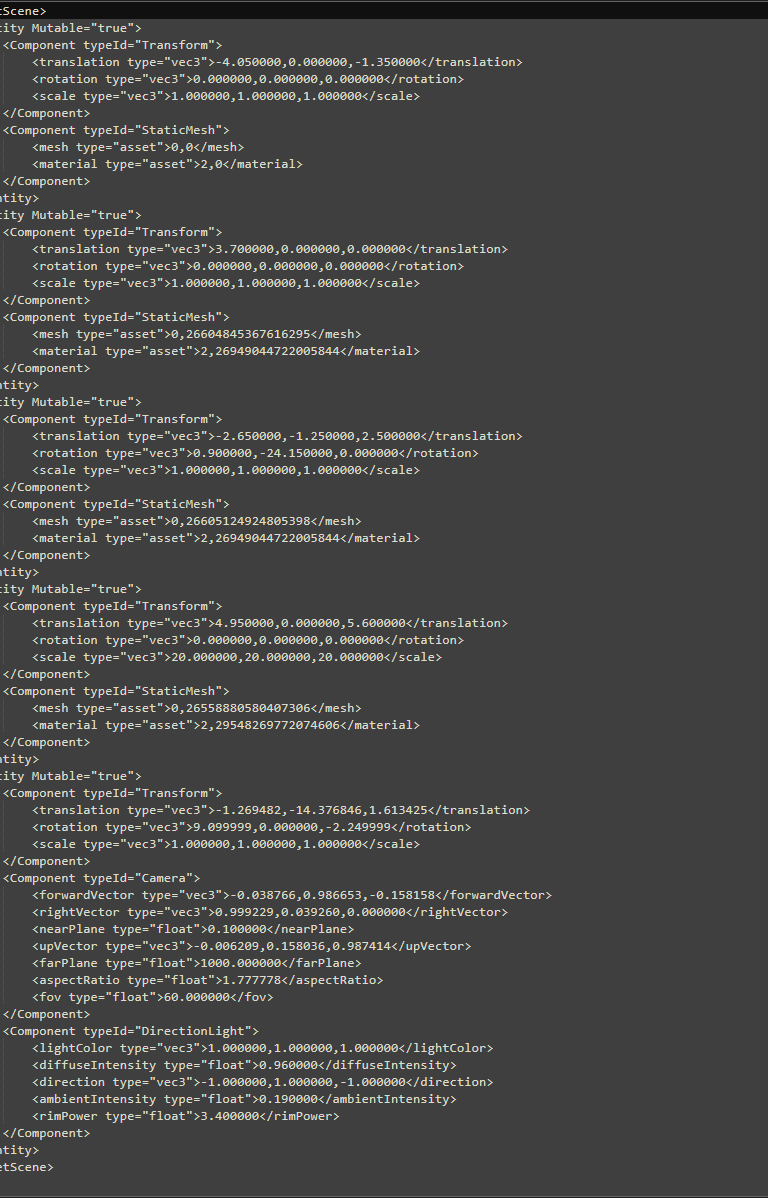
An example of the serialized scene for all the entities and components:
Engine Architecture
The main development solution contains various projects, broken out of the main engine and editor project to allow for isolated testing and abstraction of common data.
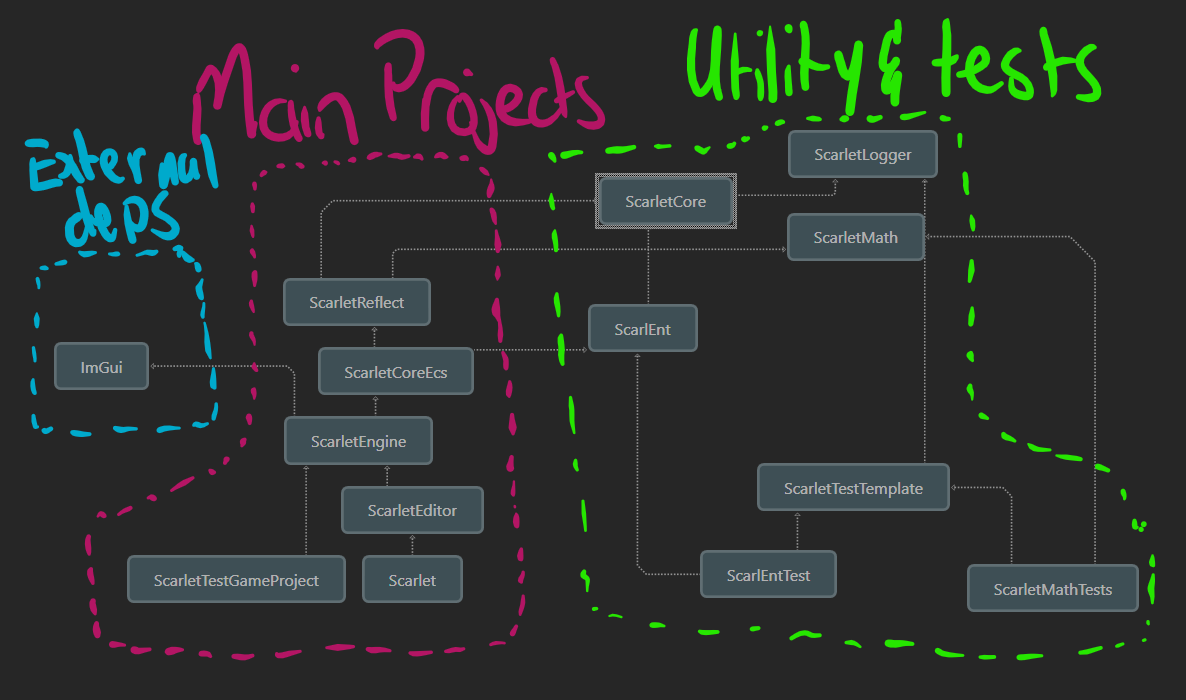
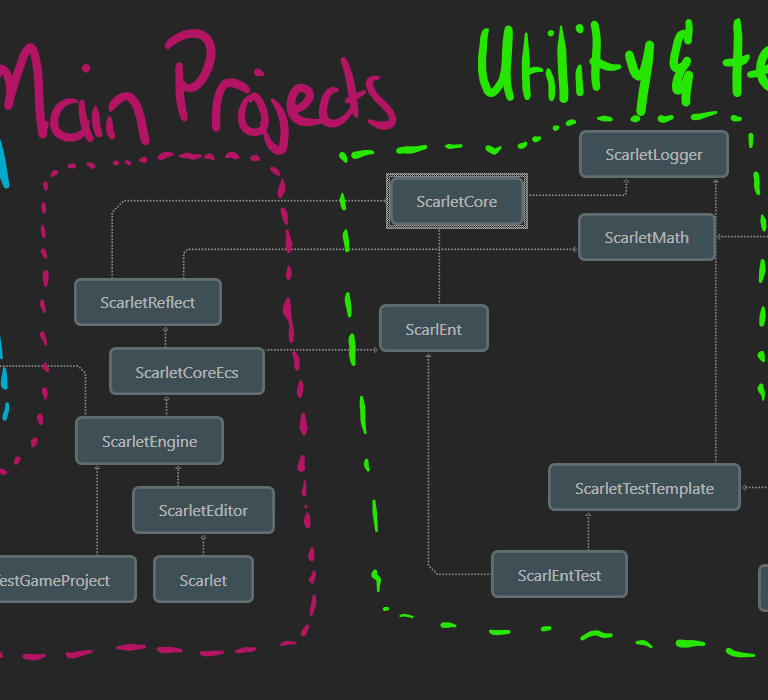
An image showing the project dependencies:
The projects are broken down in such a way that allows for the code to be loaded in modularly when needed. The main goal was to separate the gameplay code of the Scarlet Project from the engine and backend. This allows for the game code to be altered and then hot-reloaded in.
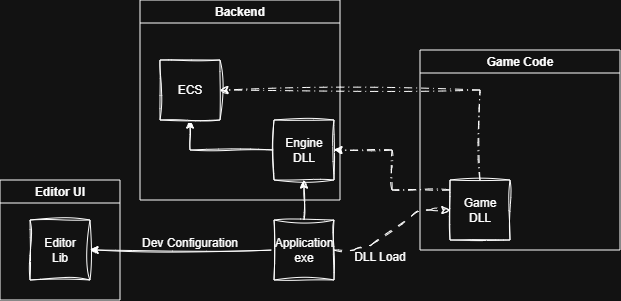
This process allows for quicker iteration as well easy gameplay logic. Since the properties panel is auto generated through the RTTI script, this means once the project is reloaded in, the newly added components will be present in the editor without requiring to restart the editor.
Since all gameplay code is abstracted out of the core engine, this allows for engine to be released to developers, and doesn't require manual compilation of the backend projects.
The editor and engine are built using the custom ECS. An example of the rendering system is shown below.
This Engine::RegisterEngineSystems is called within the game code, giving the developer the choice to remove the engine systems and create their own logic.
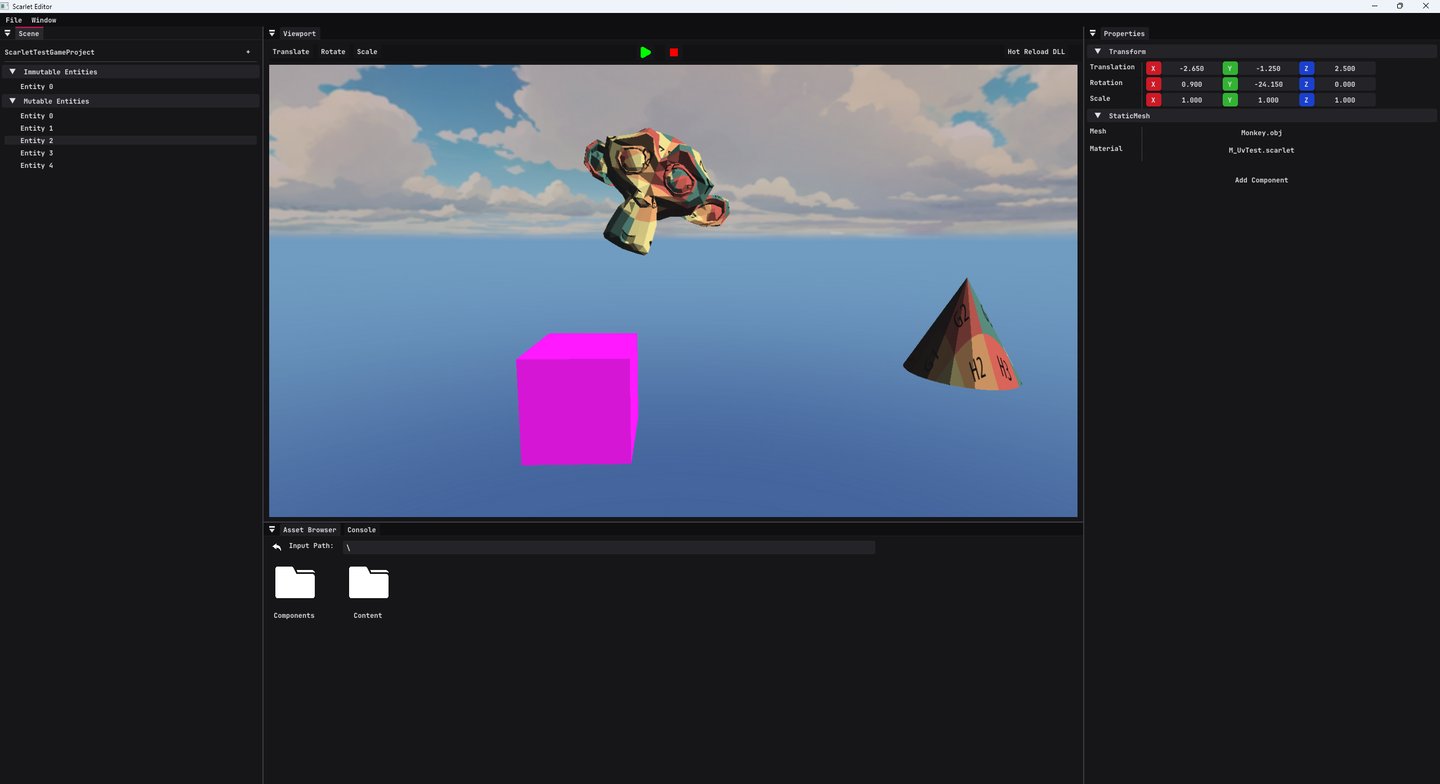
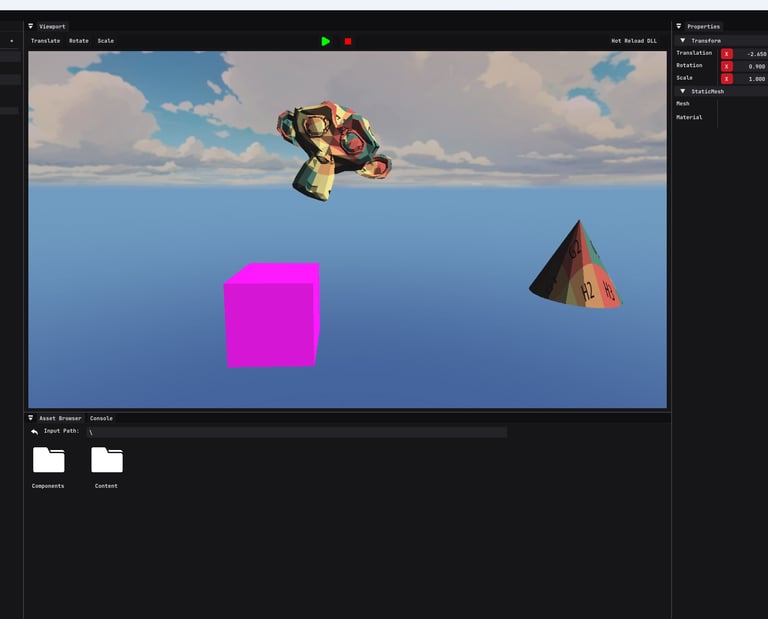
The editor also features a game simulation within the actual viewport. Starting the simulation removes all editor systems (viewport camera etc.) and attaches the game systems, showing simulations exactly as if the runtime game was being played. Once finished, the scene can be reloaded back to its original state.
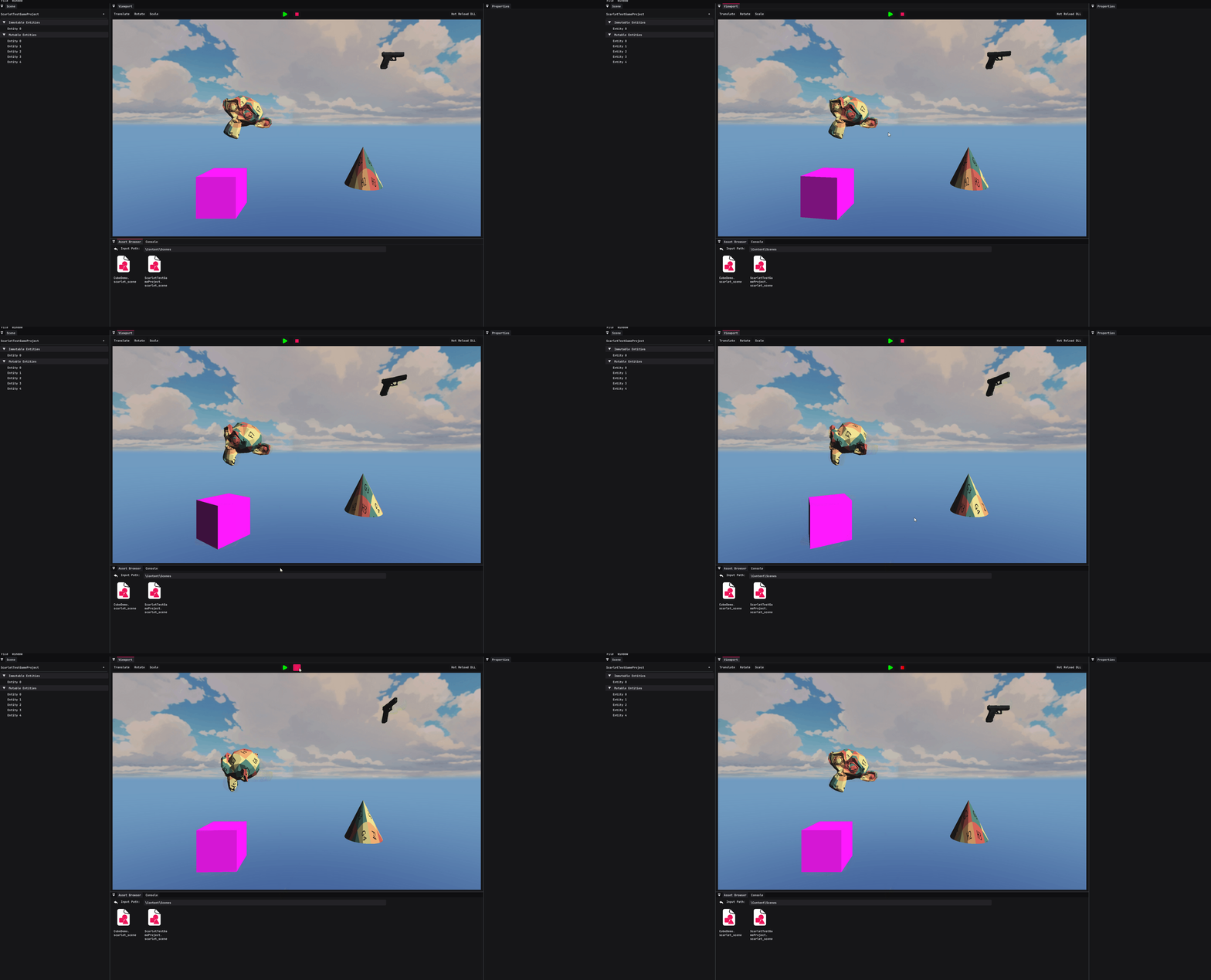
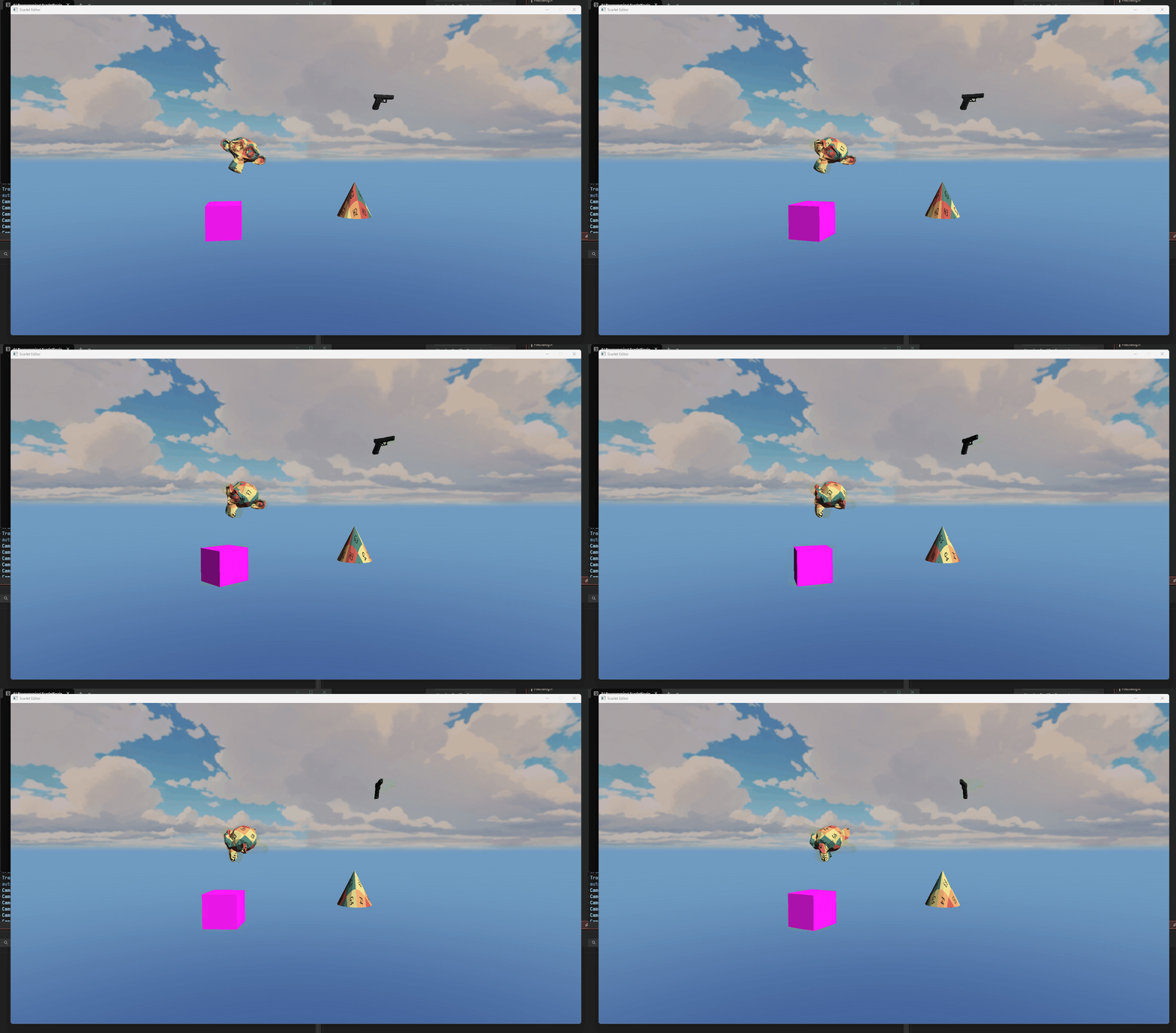
The runtime build resulting in the same rotation:
Asset Management
Scarlet assets are all loaded in when launching the engine. All assets are loaded in lazily, meaning that even larger asset counts will result in minimal loading time and resources.
Loading in all assets allow for the editor to populate drop-down menu's in the property panel.
Assets are created type-less by using an interface ILazyLoadAsset and created by their corresponding factory.
In the editor, there are "Create Asset" wizards to aid the user in creating new assets.
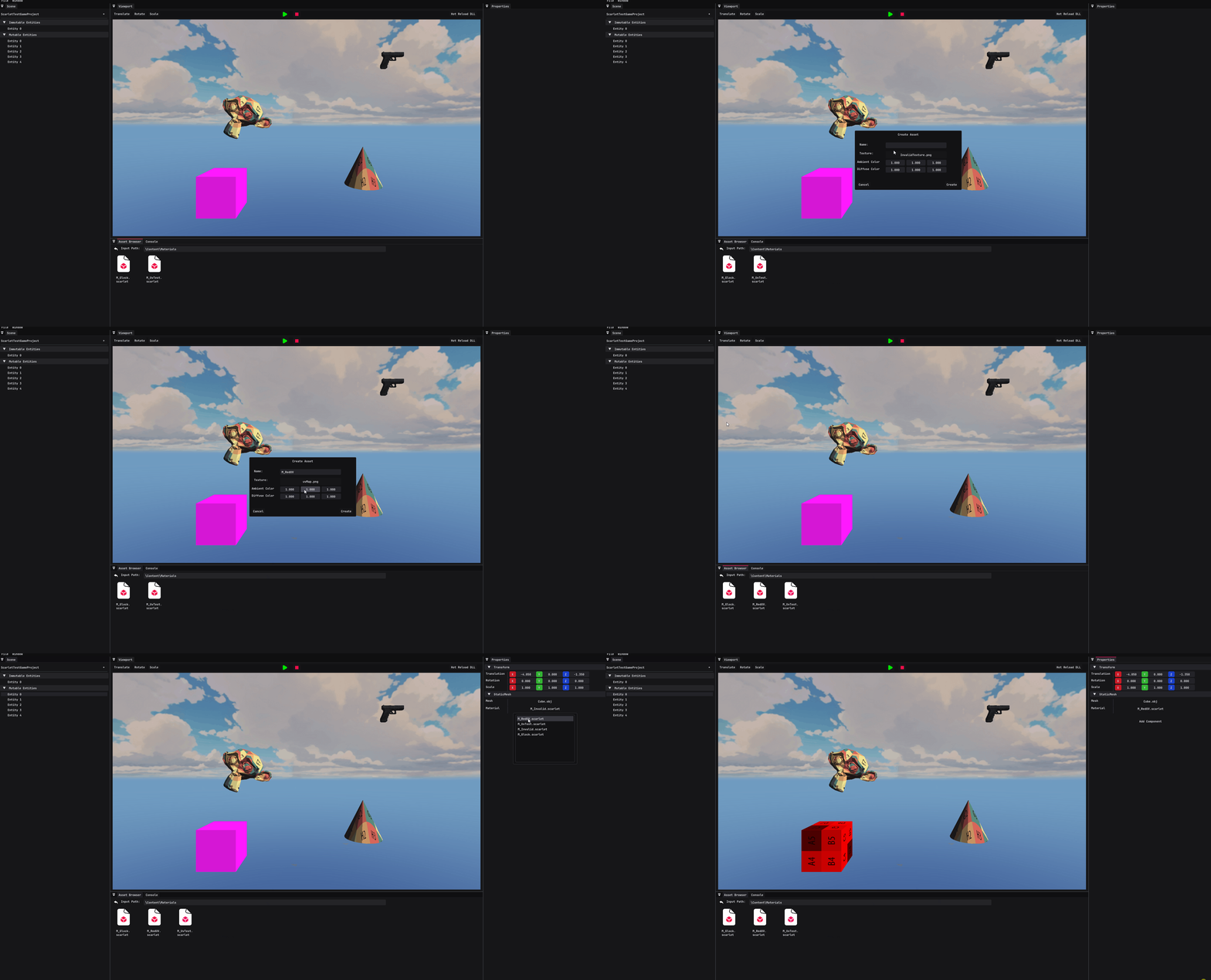
An example demonstrating the creation and use of assets in the editor:
Rendering
The engine is built upon a renderer using OpenGL. The renderer makes use of render commands which are added by the rendering ECS system. These commands are then used to instance render objects with the same material and mesh to allow for less GPU uploads.
Currently the renderer supports skyboxes/cube-maps as well as some trivial Phong lighting (excluding specular to get more of the harsh shading for a toon-like shadow effect).
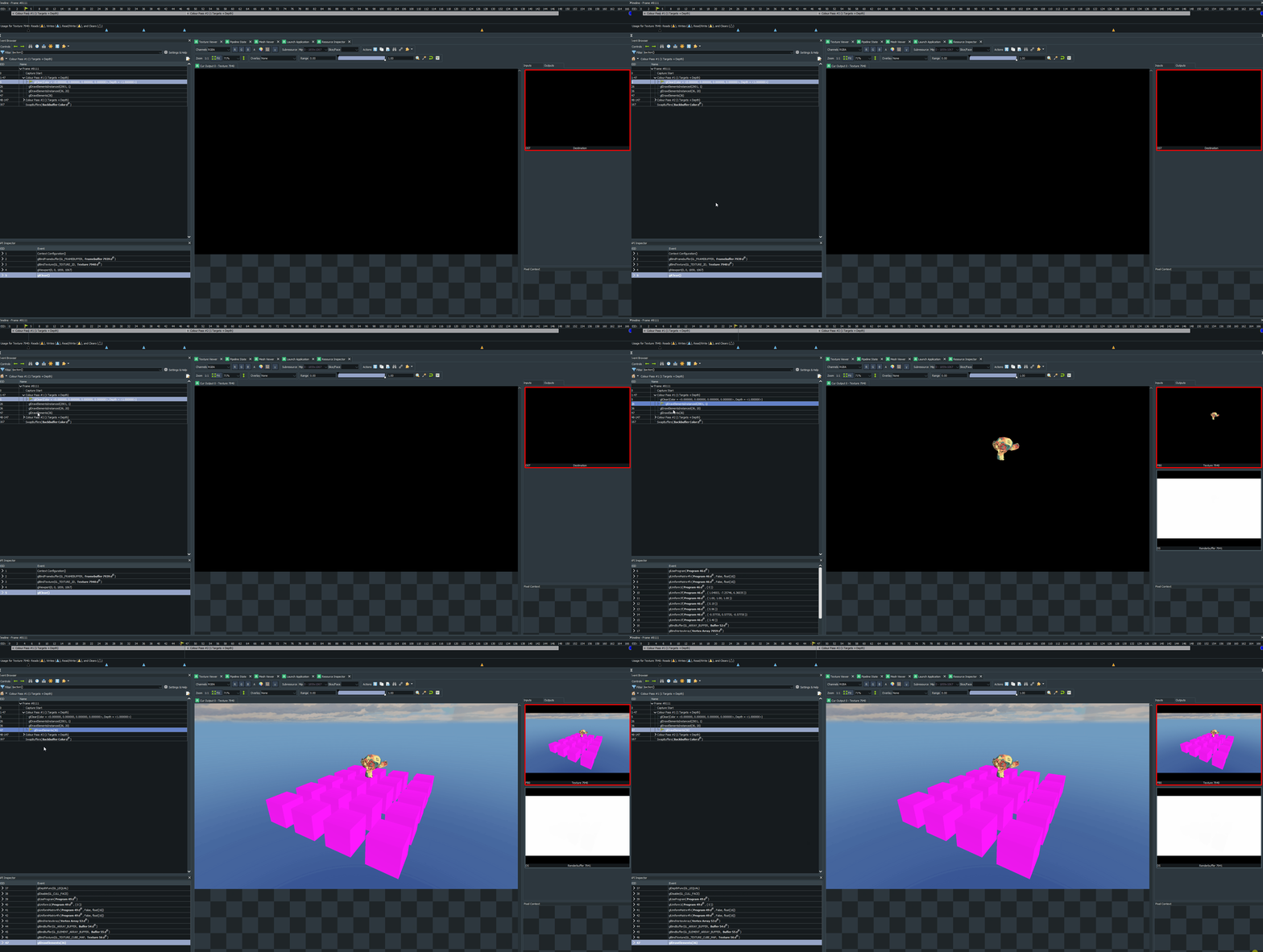
When running in Dev configuration, the first render pass renders the viewport to a framebuffer, the second pass renders the Editor UI.
A gif showing the render pass breakdown of the editor with a RenderDoc capture.
Test Methods
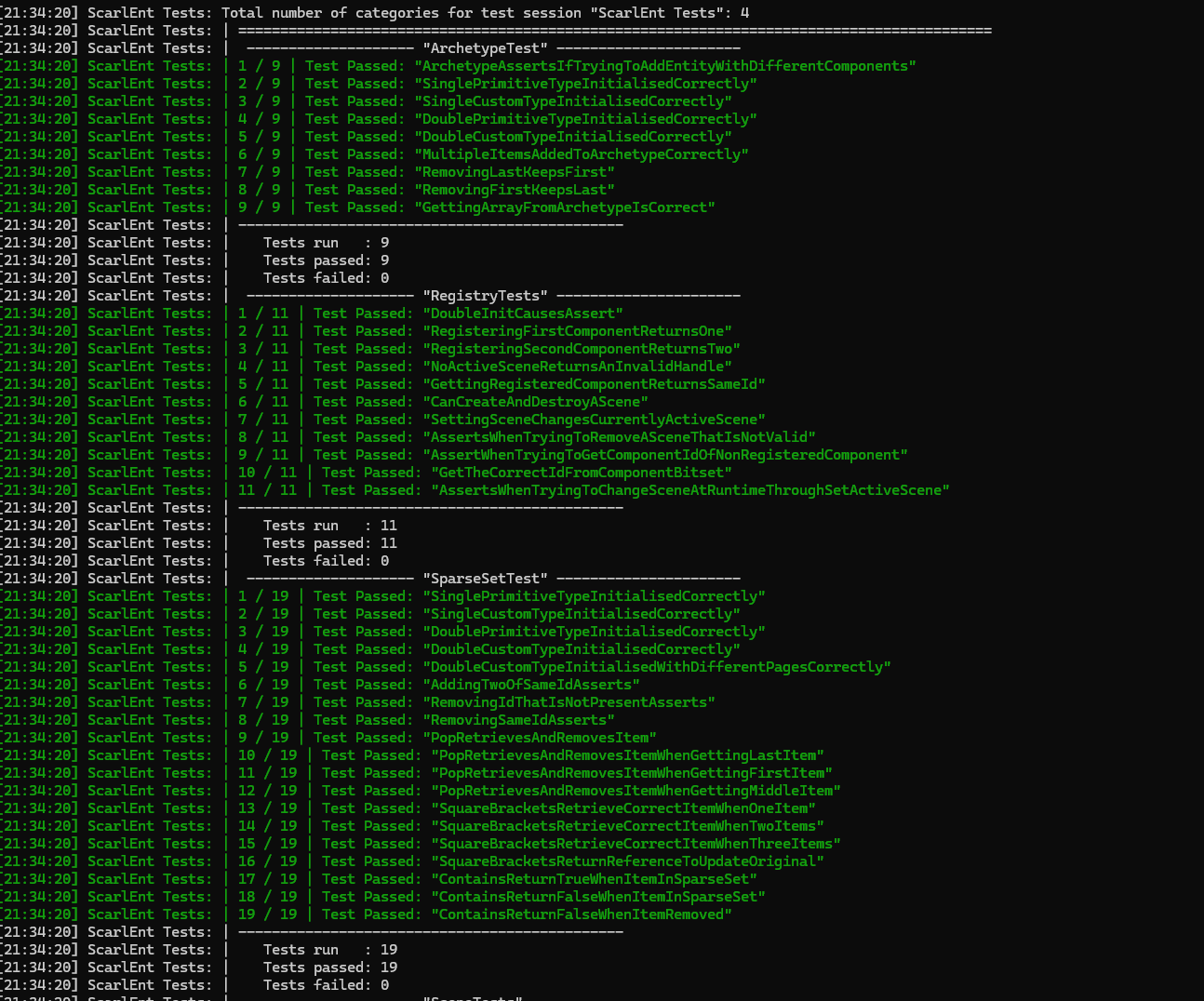
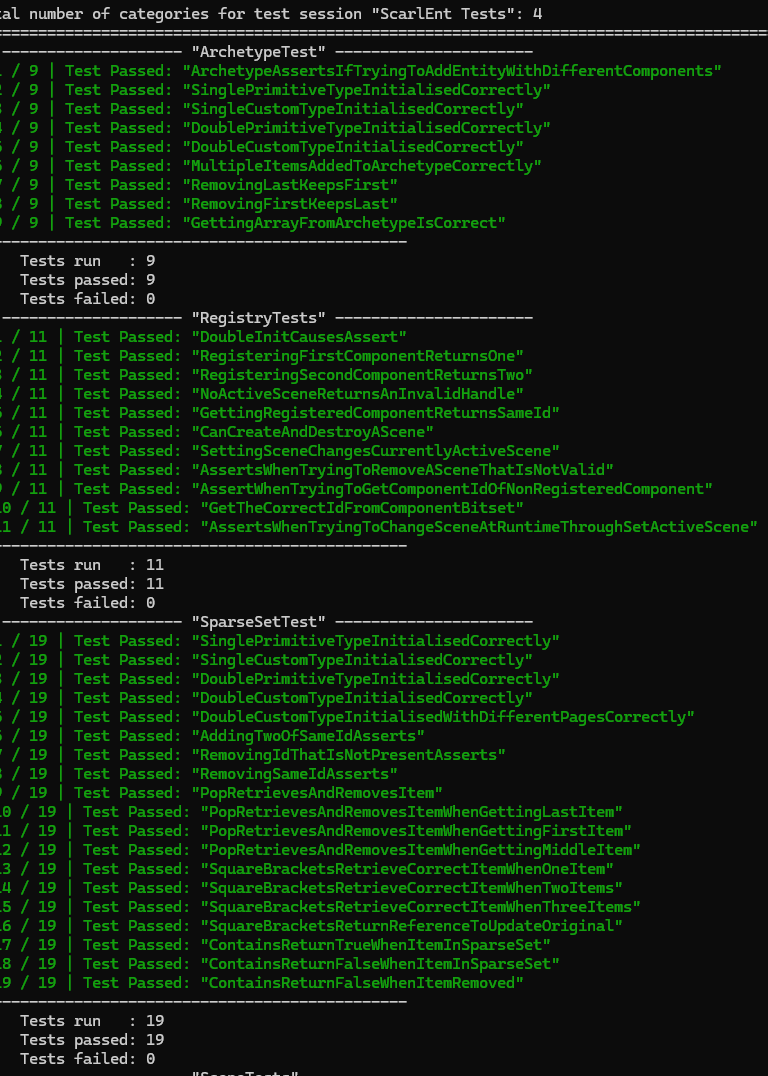
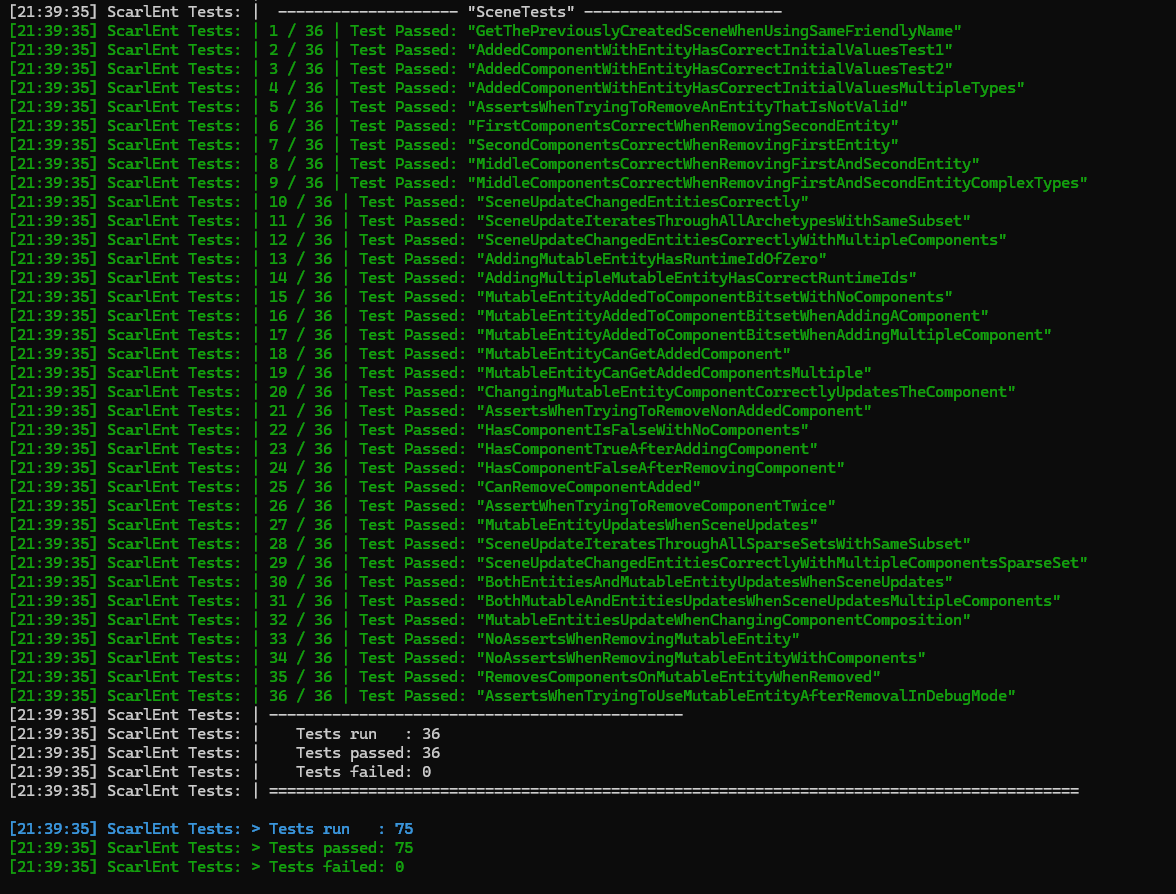
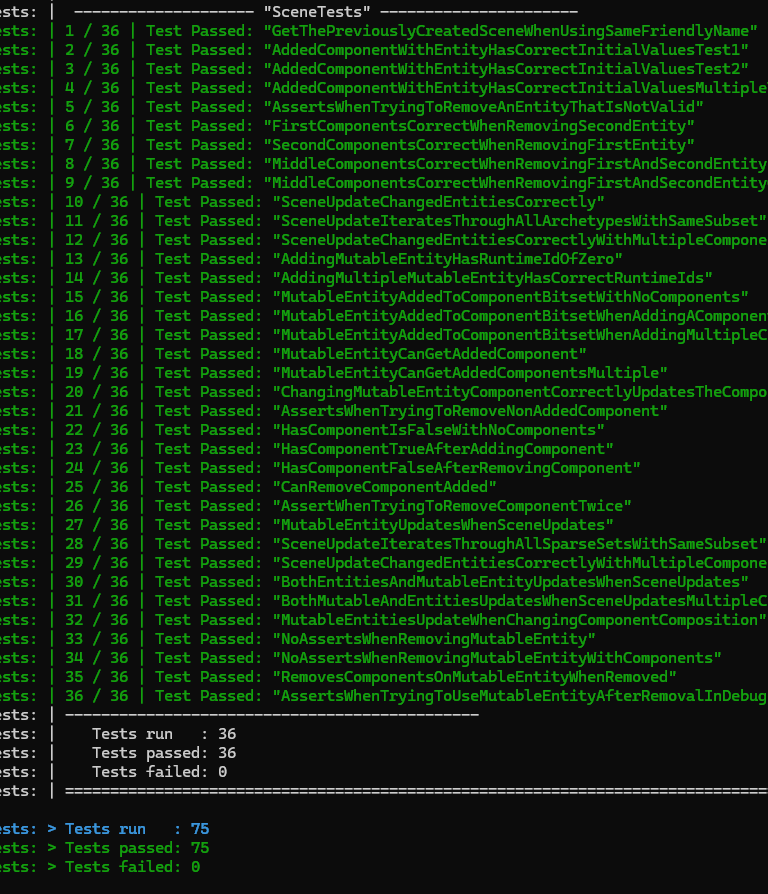
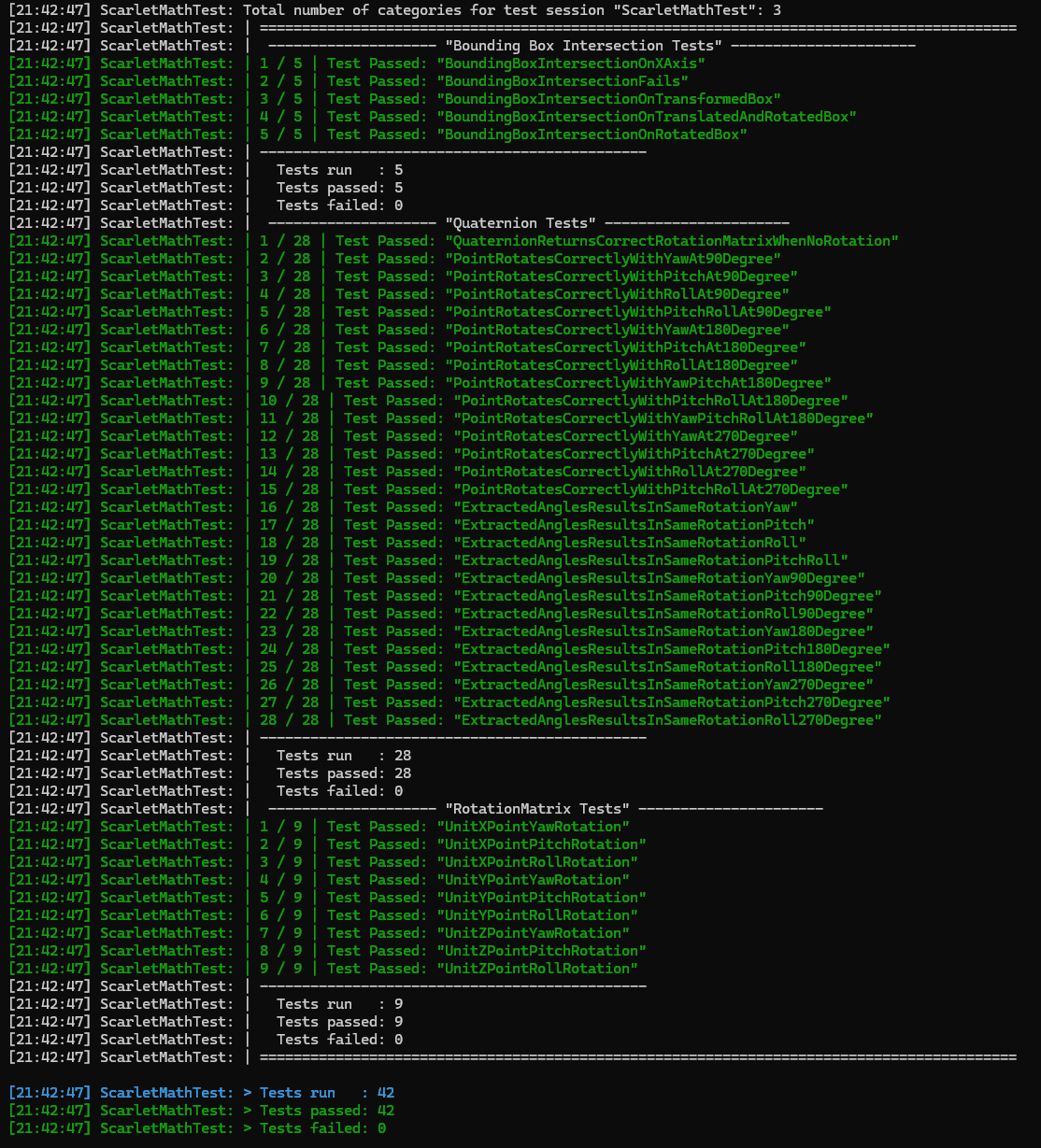
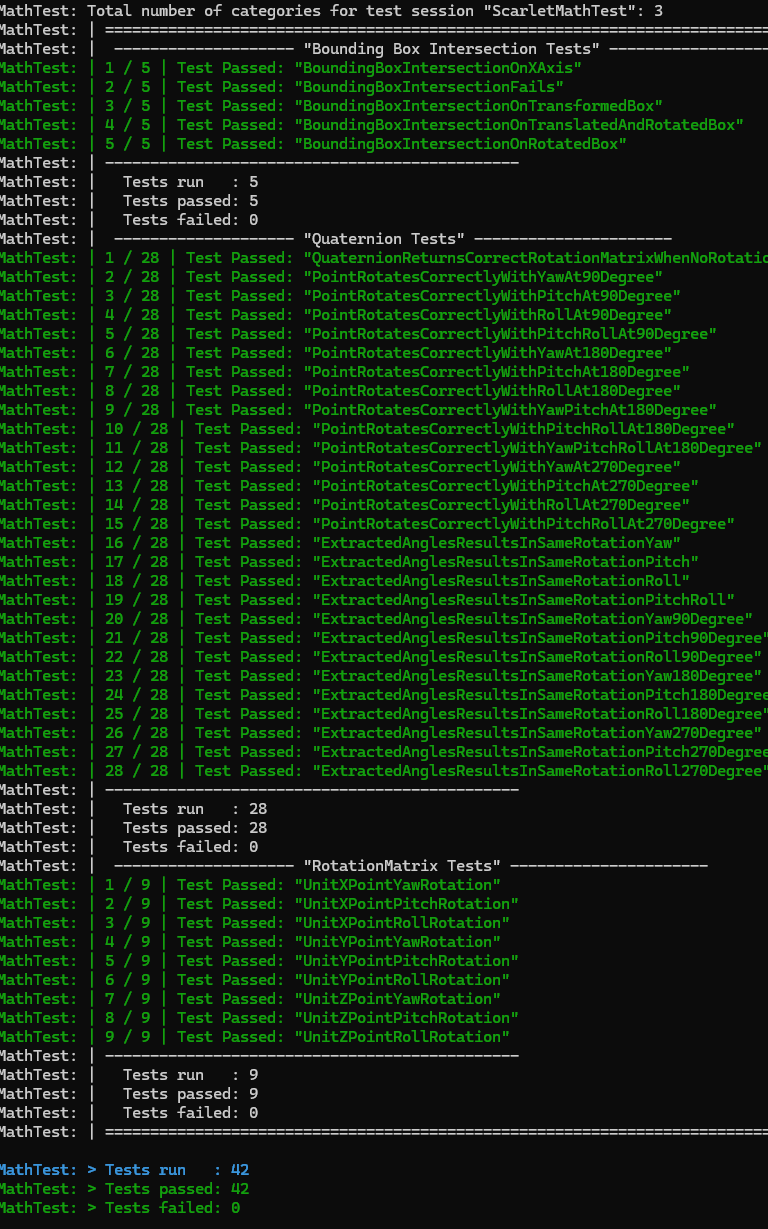
In the solution, there are multiple projects used to create test cases for the implemented structures and ensure that correct behaviour is followed. This is used extensively during development to ensure that the systems programmed will run as expected, in addition to prevent future regressions when adding new features that test cases and situations are valid before submission.
Some screenshots of tests: